
To get your Logistics Empire going you will build different types of buildings:
- Production Buildings will give you the resources you need for trading.
- Warehouses will allow you to store these resources and larger vehicles.
- Research centers allow you to unlock new buildings, resources, technologies, etc.
To build a new one, follow these steps:
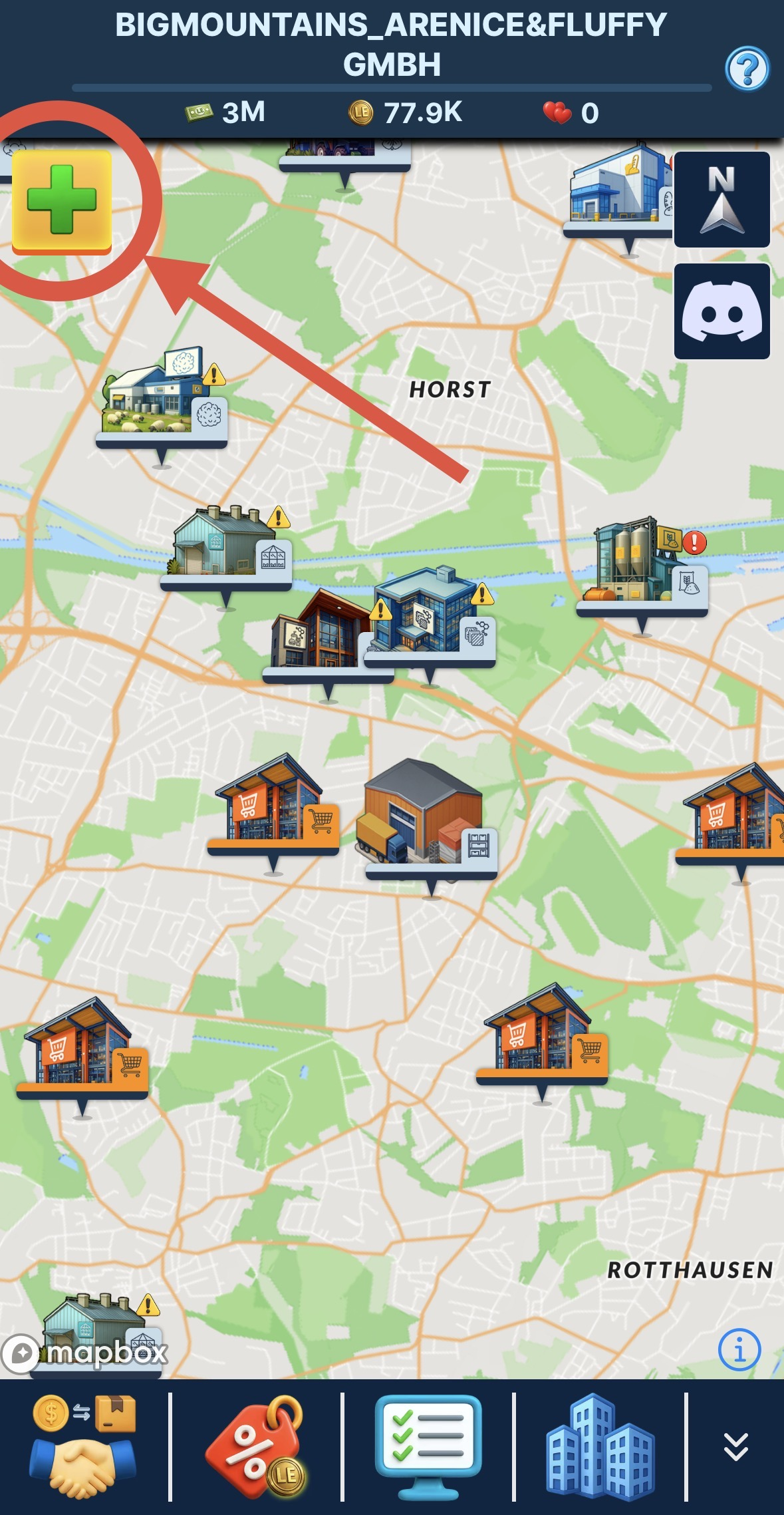
- Click on the add button and then click on add building or press long on the map on mobile or double click on browser
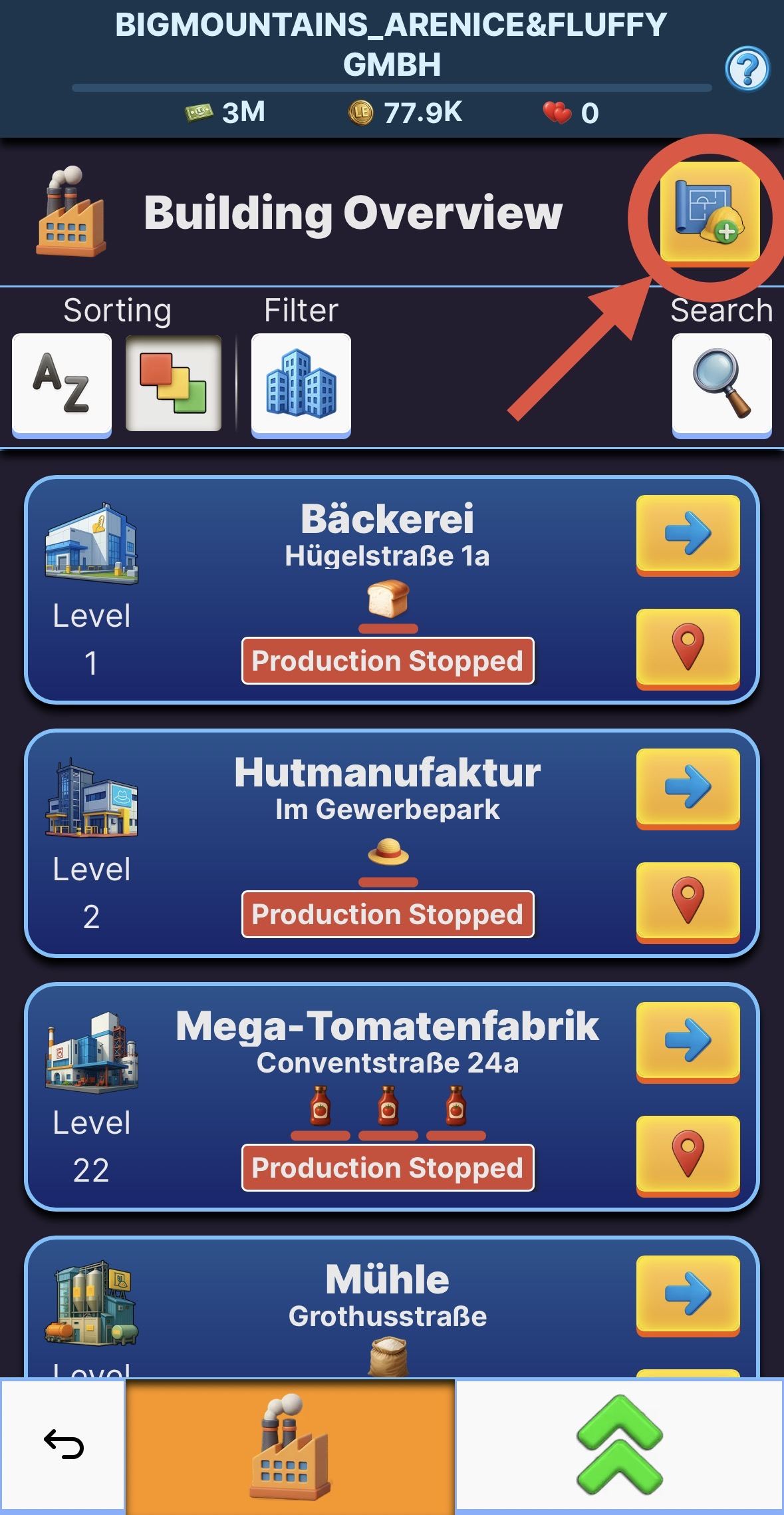
- OR click the add building button in the building overview
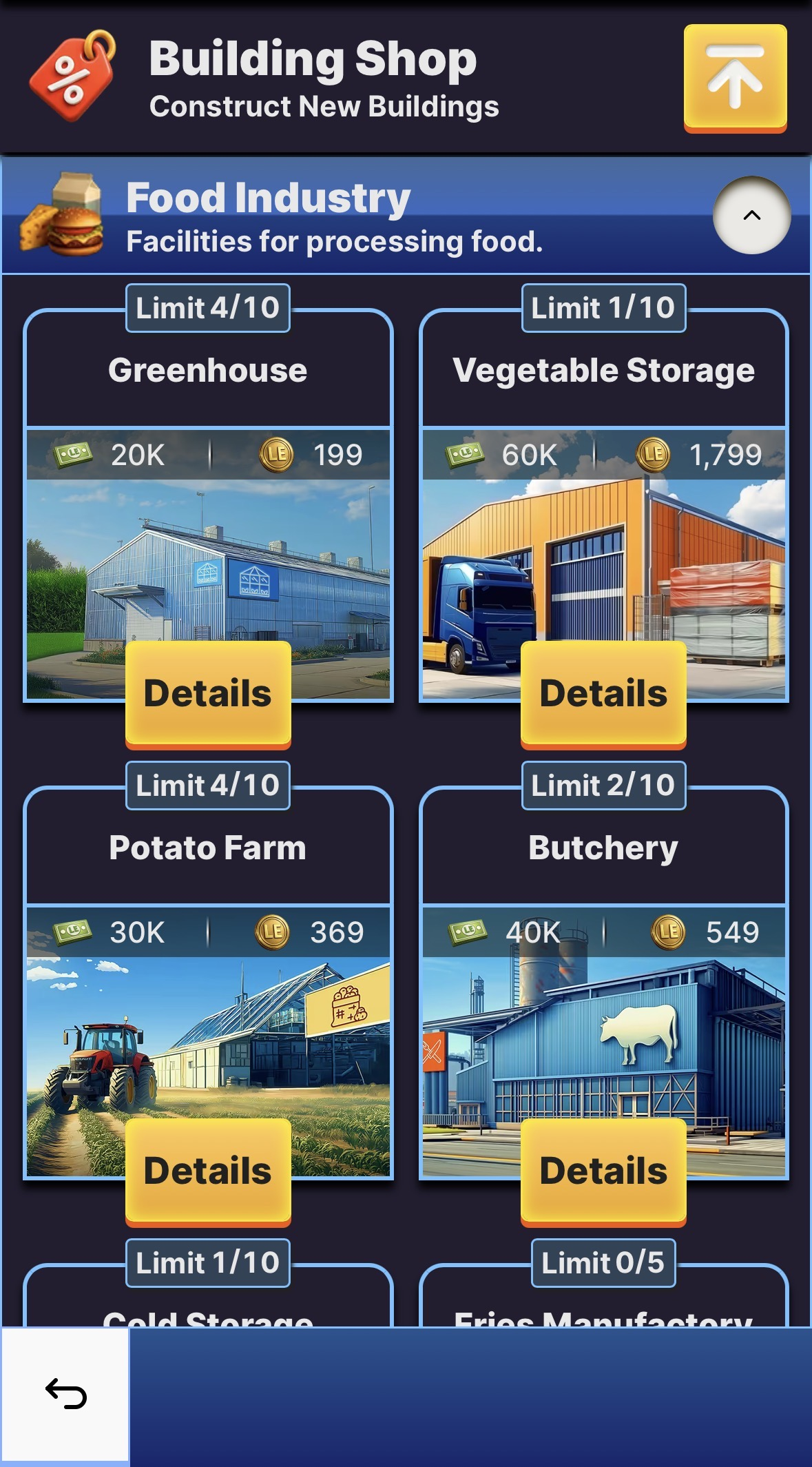
- Scroll through the building list and click on the building you want to construct.
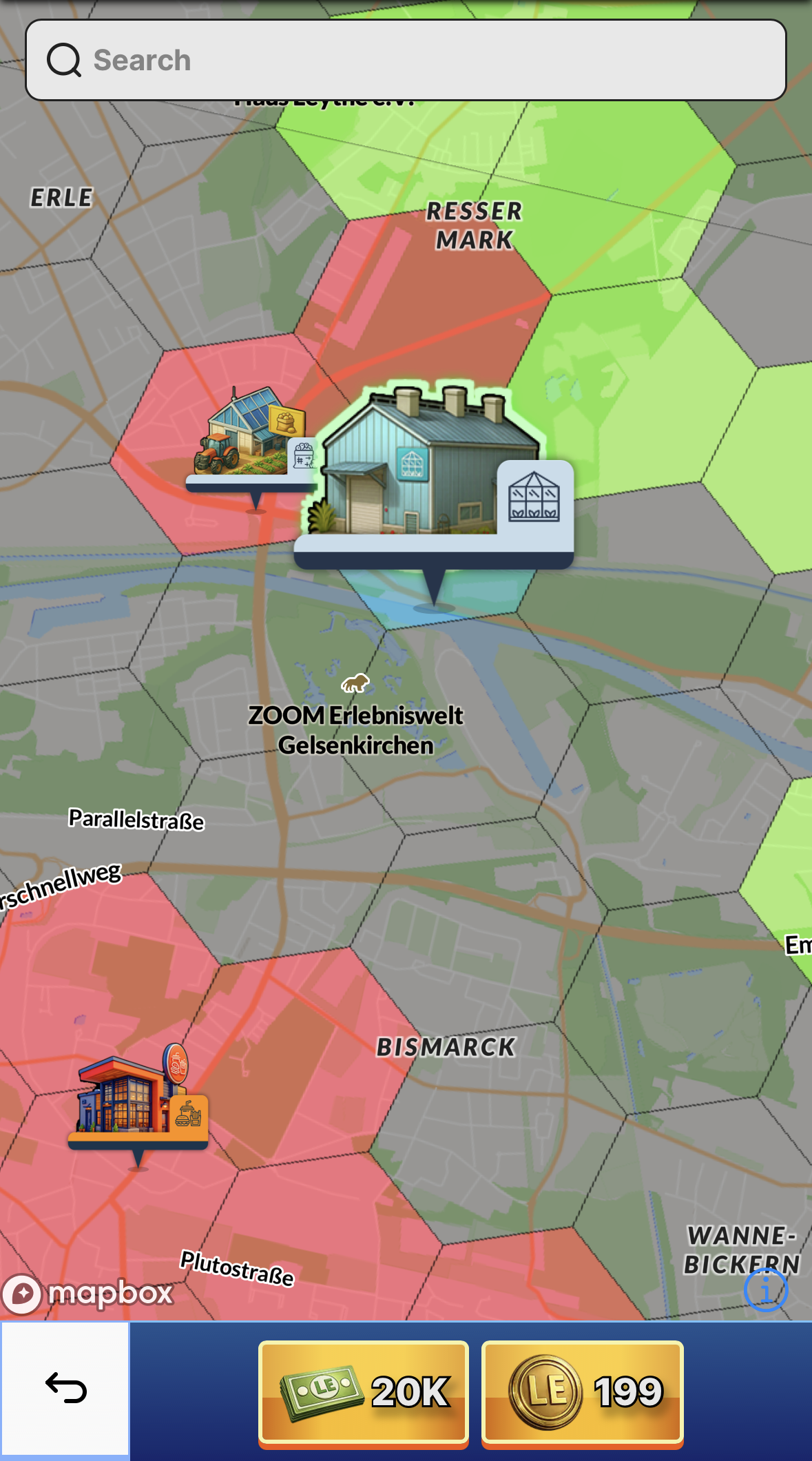
- Search for a suitable building site and place your building.
- You need to find a green marked hex-tile to build your building.
- If the field is red it is blocked by another building or business partner.
- If the field is greyed-out, your building can't be built there because the field type isn't matching. For example, a greenhouse can't be placed on a tile that's mostly urban.
- Blue fields mark the space your building will occupy if it is placed here.
- If you are not sure why you can't build your building, check the placement rules on the bottom of the screen.
- If you have found the location you want to construct the building, you can decide if you want to use LE-Dollar to start construction normally, or you can use LE-Gold to finish the construction in an instant. Simply click on the respective button.
- Now all you have to do is wait for the construction to finish and your building will be ready.
TIP: Within one hex-tile, you can choose the position of the building freely. For faster transports, it can be useful to place your buildings close to a big road.