
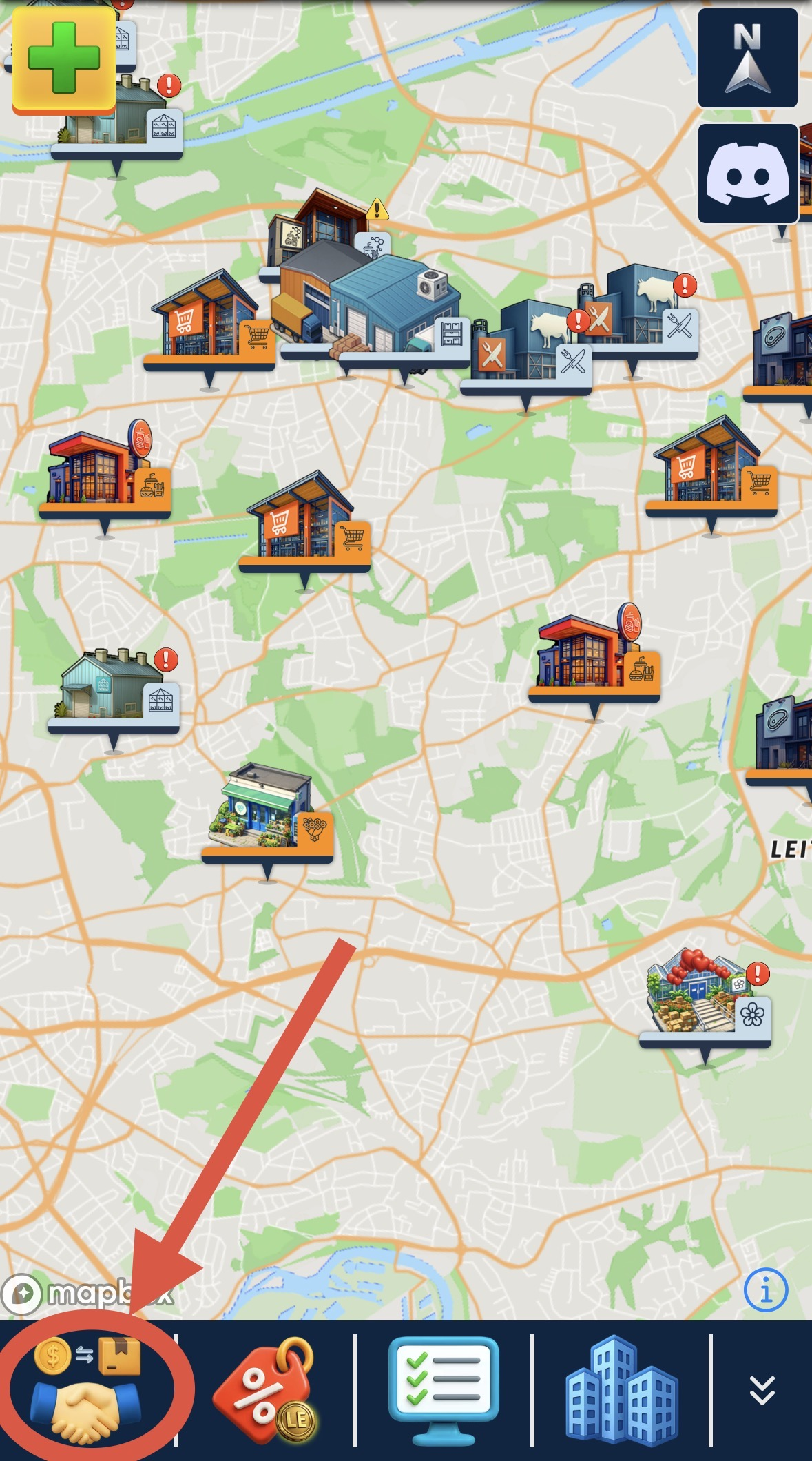
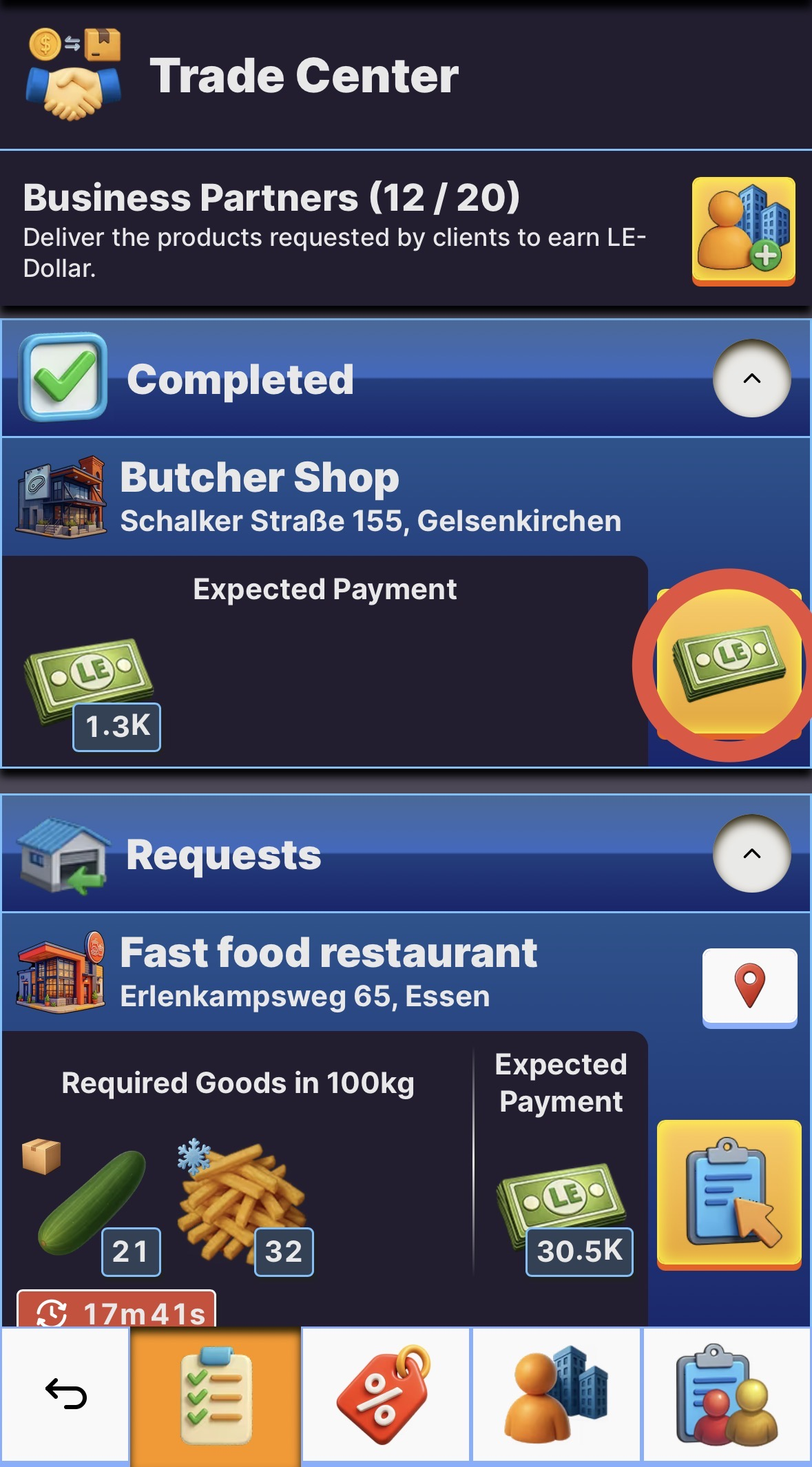
- Click on the "trade center"-button on the menu bar to open the trade center.
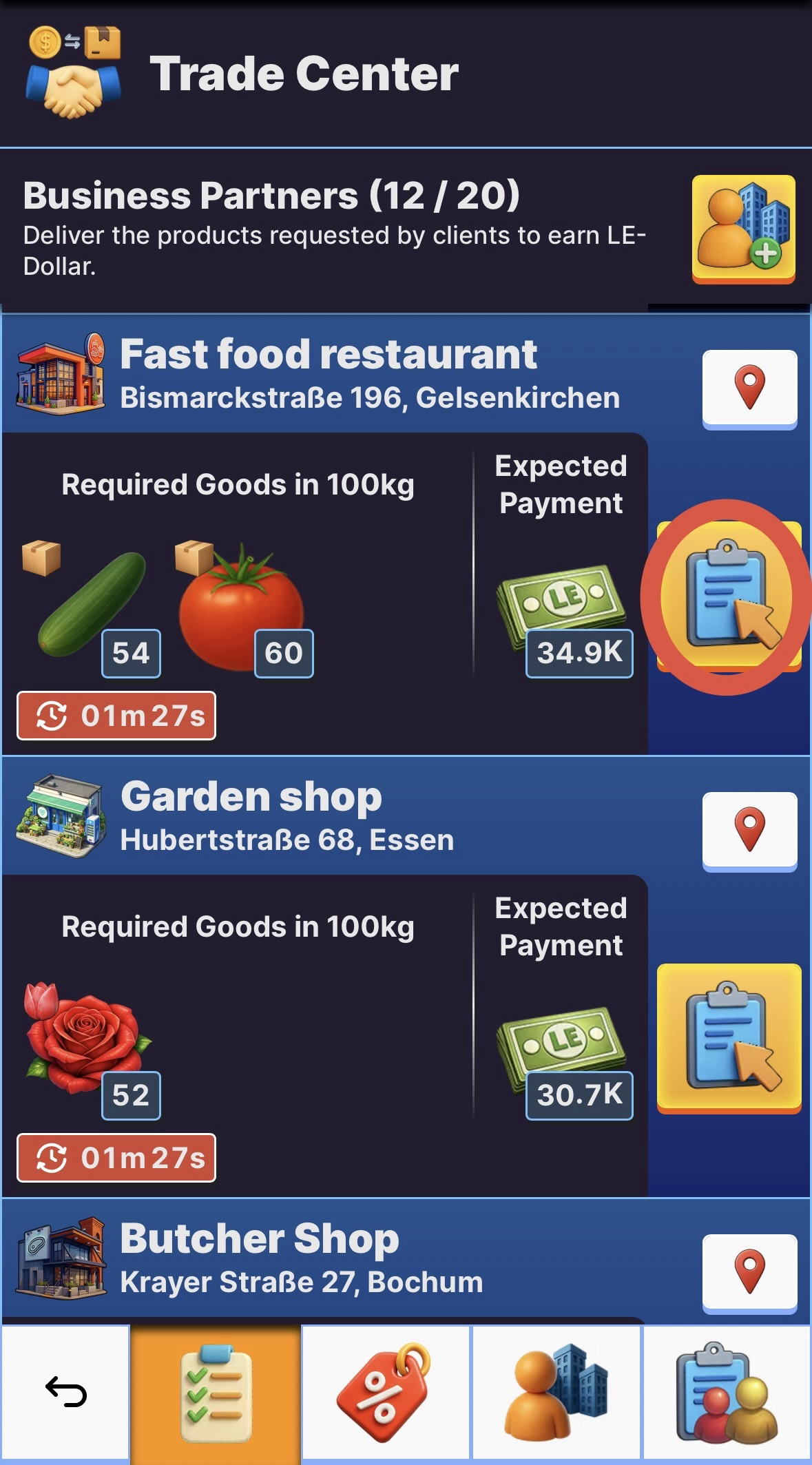
- If you have already added a business partner you can see their current orders here.
- Click on the "accept order"-button to accept an order.
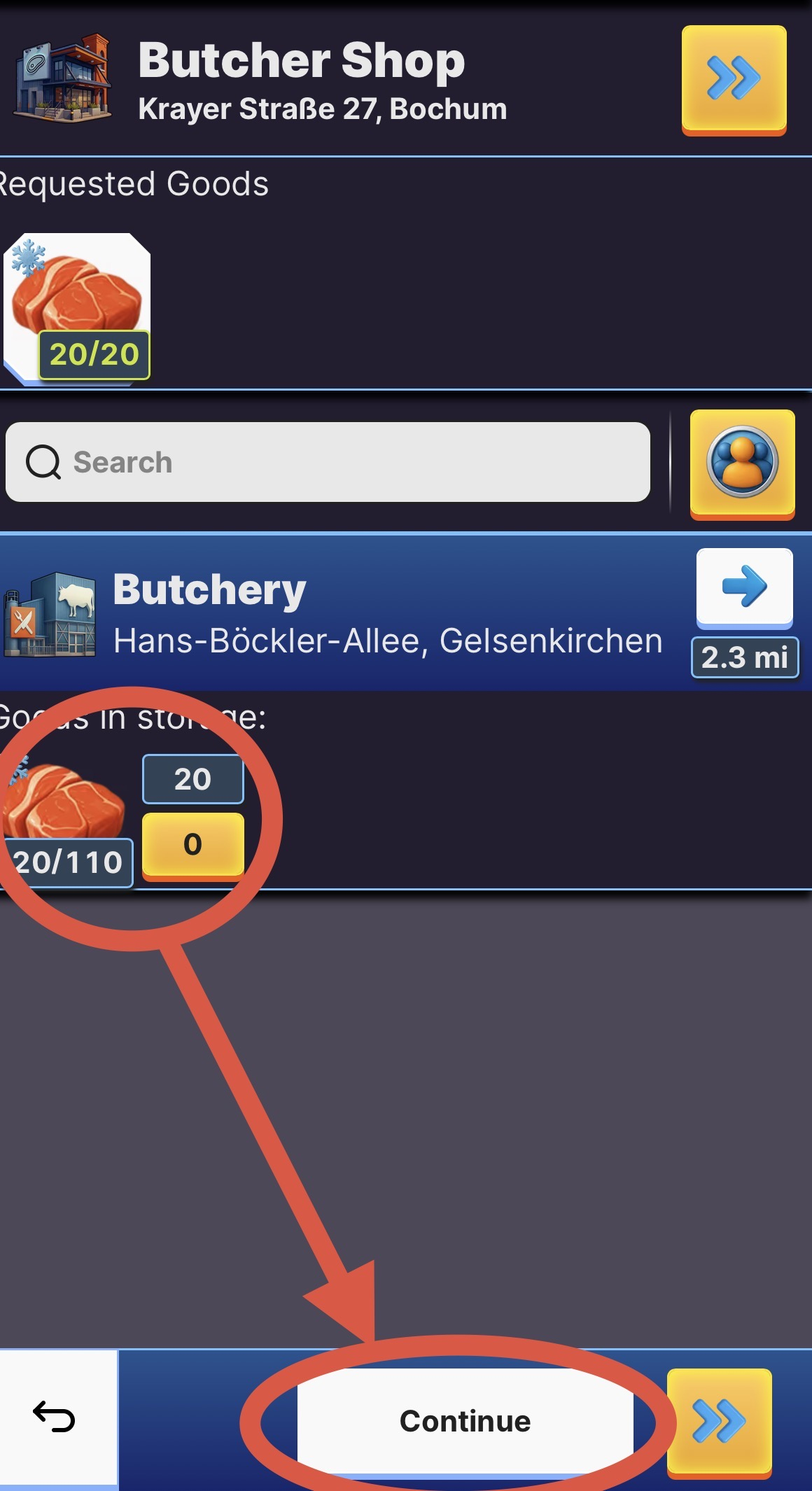
- Now you can add the resources you want to deliver and the vehicles that should deliver it.
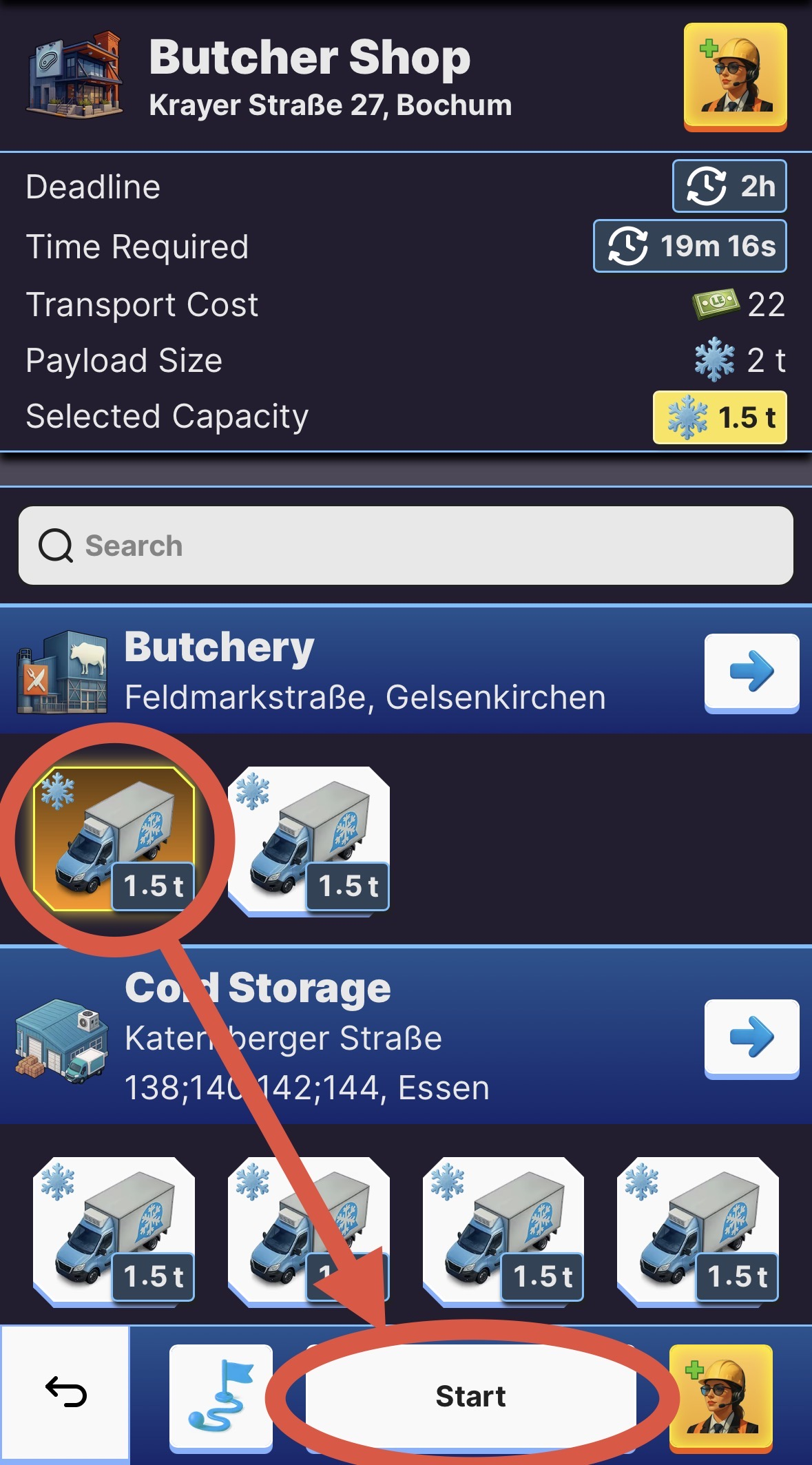
- Start the transport and check the trade center again at a later time to collect your reward with a click on the "collect reward button" .
TIP: After a request was completed it takes a while until that business parter will send you a new request. You can check the timer for this in the trade center under "waiting for requests". Don't worry about collecting your LE-Dollars as soon as possible, the timer always starts as soon as the request was fulfilled.
💶 How to sell resources and collect rewards?
Last Updated: 42d