
Tasks gives you objectives to fulfil and will reward your efforts. Especially in the beginning, they can guide you on what to do next.
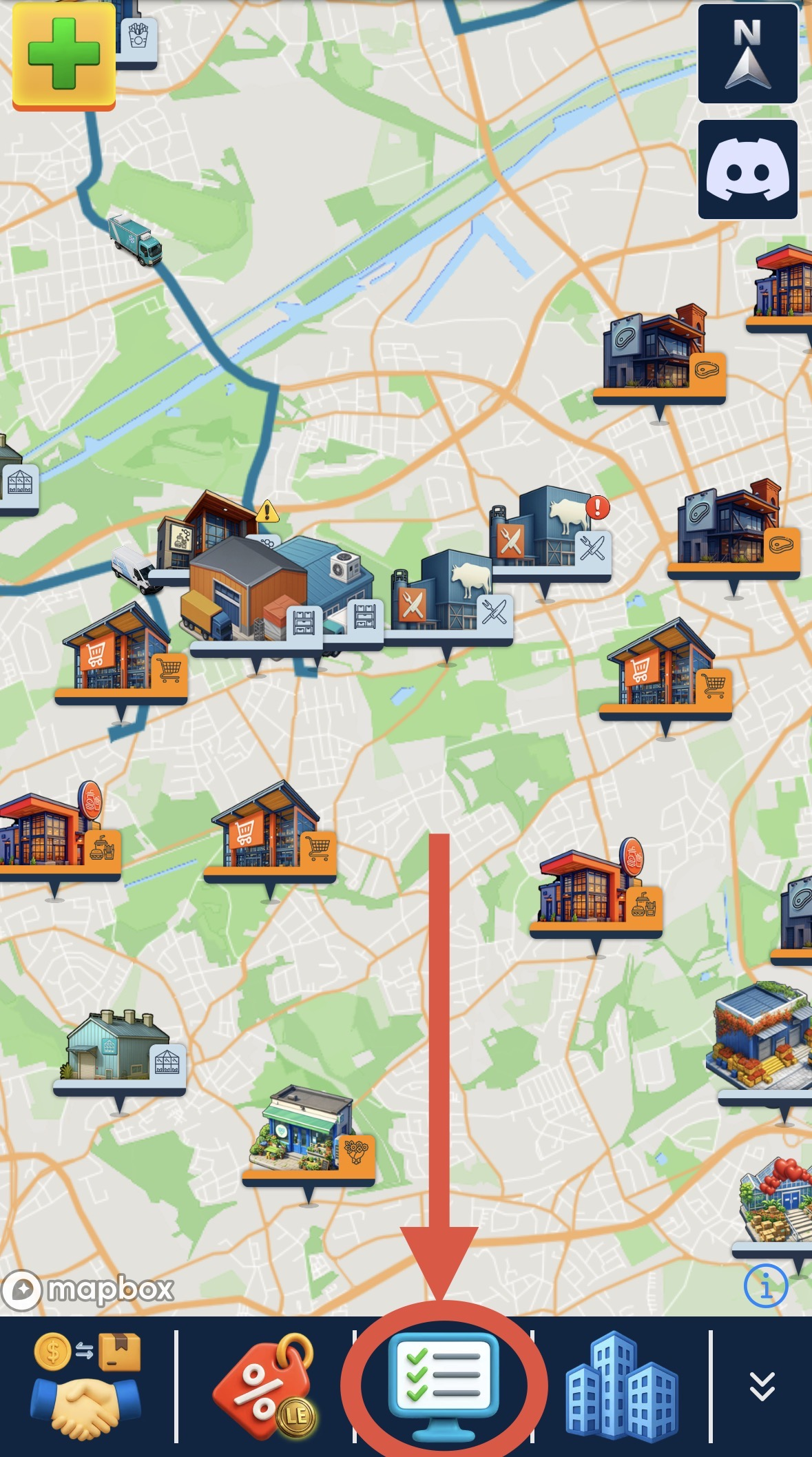
- Click on the "Task-Button" to open the Task overview
- Some tasks are only available for a limited time.
- The description on each task tells you what to do (e.g. complete orders) and the rewards are displayed on the right side.
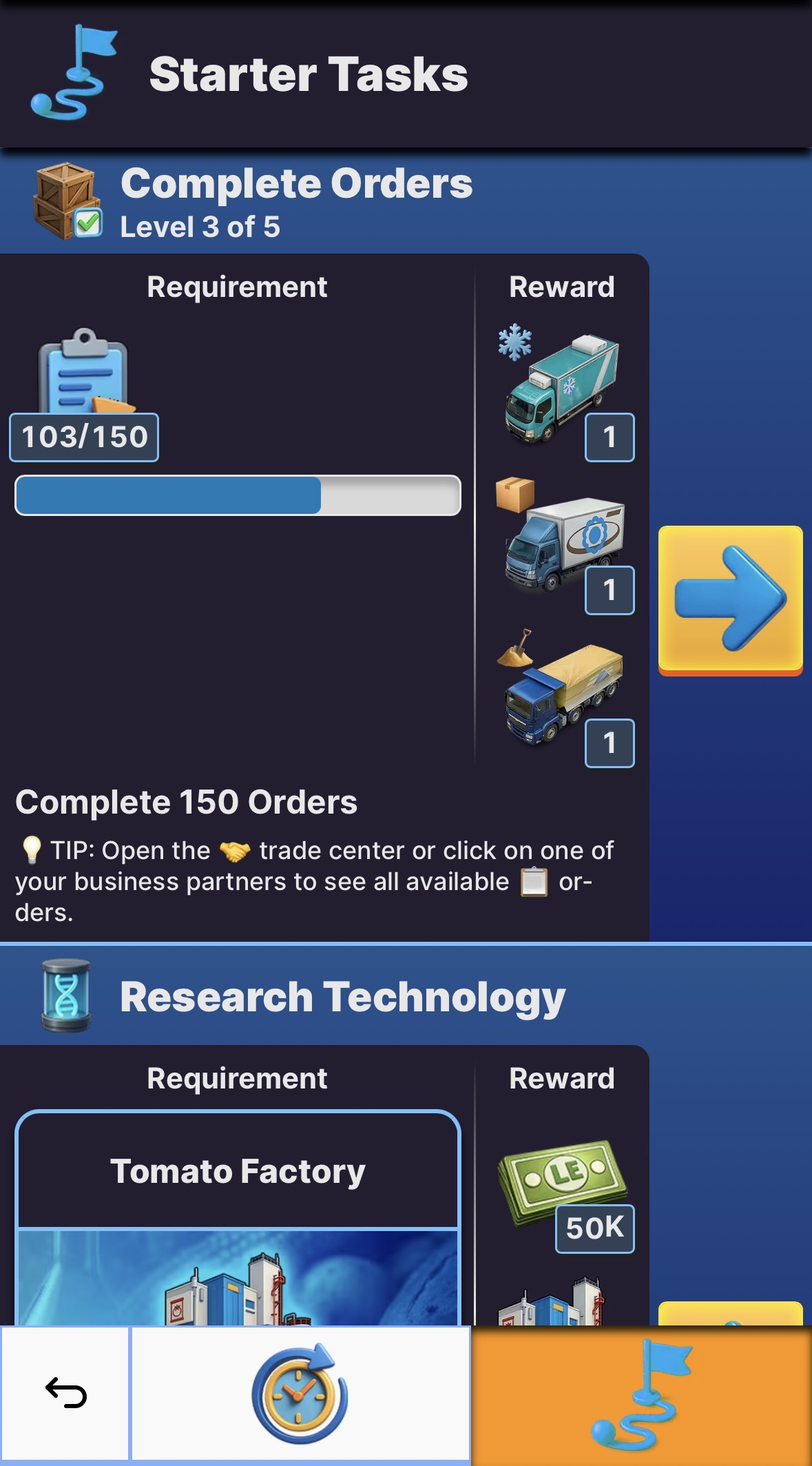
- When you have completed a task, you can collect your reward. Just click on the "reward" button that will appear next to it.